Detect projects and commands
Myse reads common package scripts, task files, workspaces, and framework entry points.
Start projects, open localhost, read live logs, and watch CPU or memory without sorting through terminal tabs.
Captured from an isolated marketing build. Every project, path, log line, process ID, and resource reading is sample data.
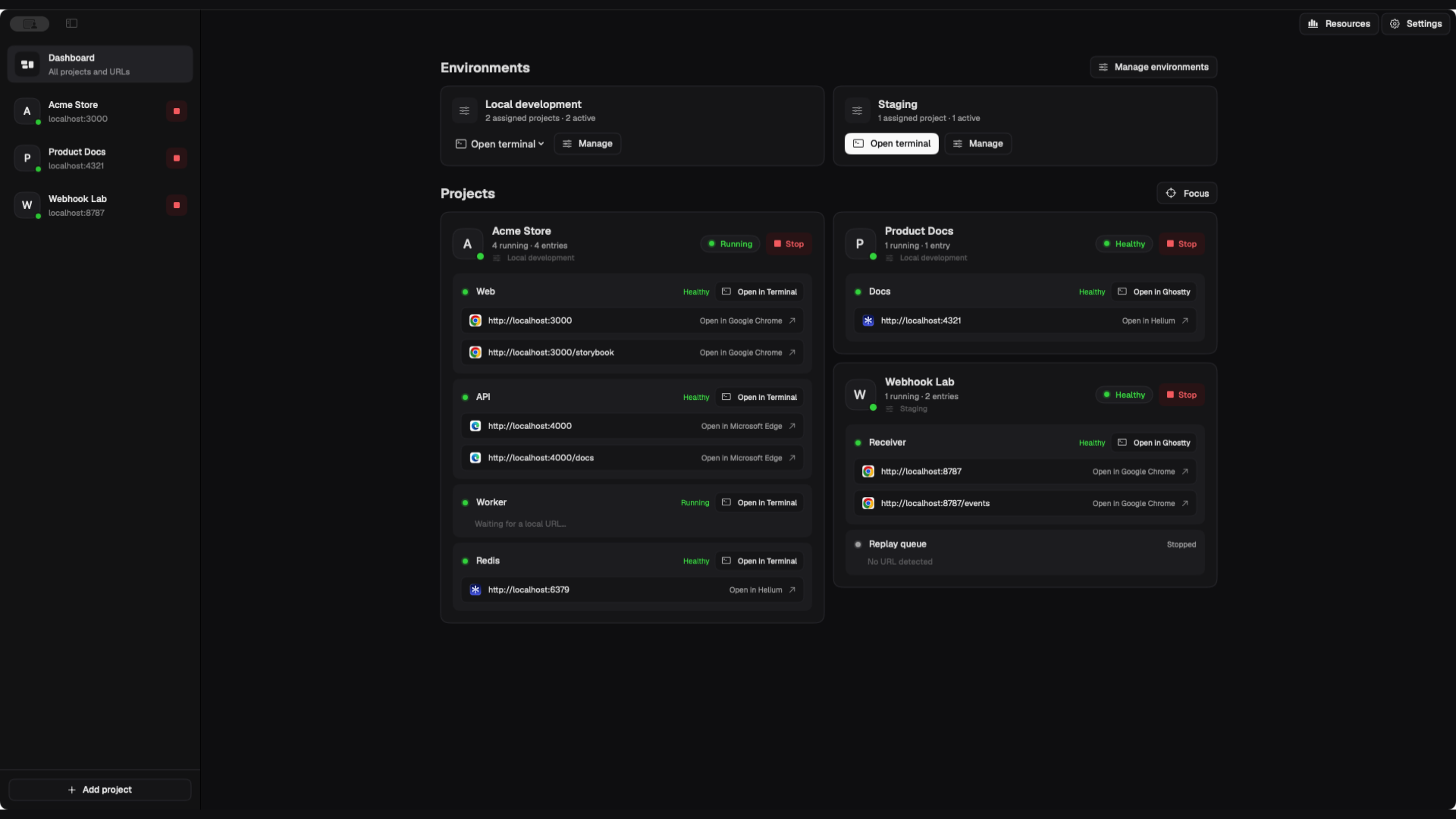
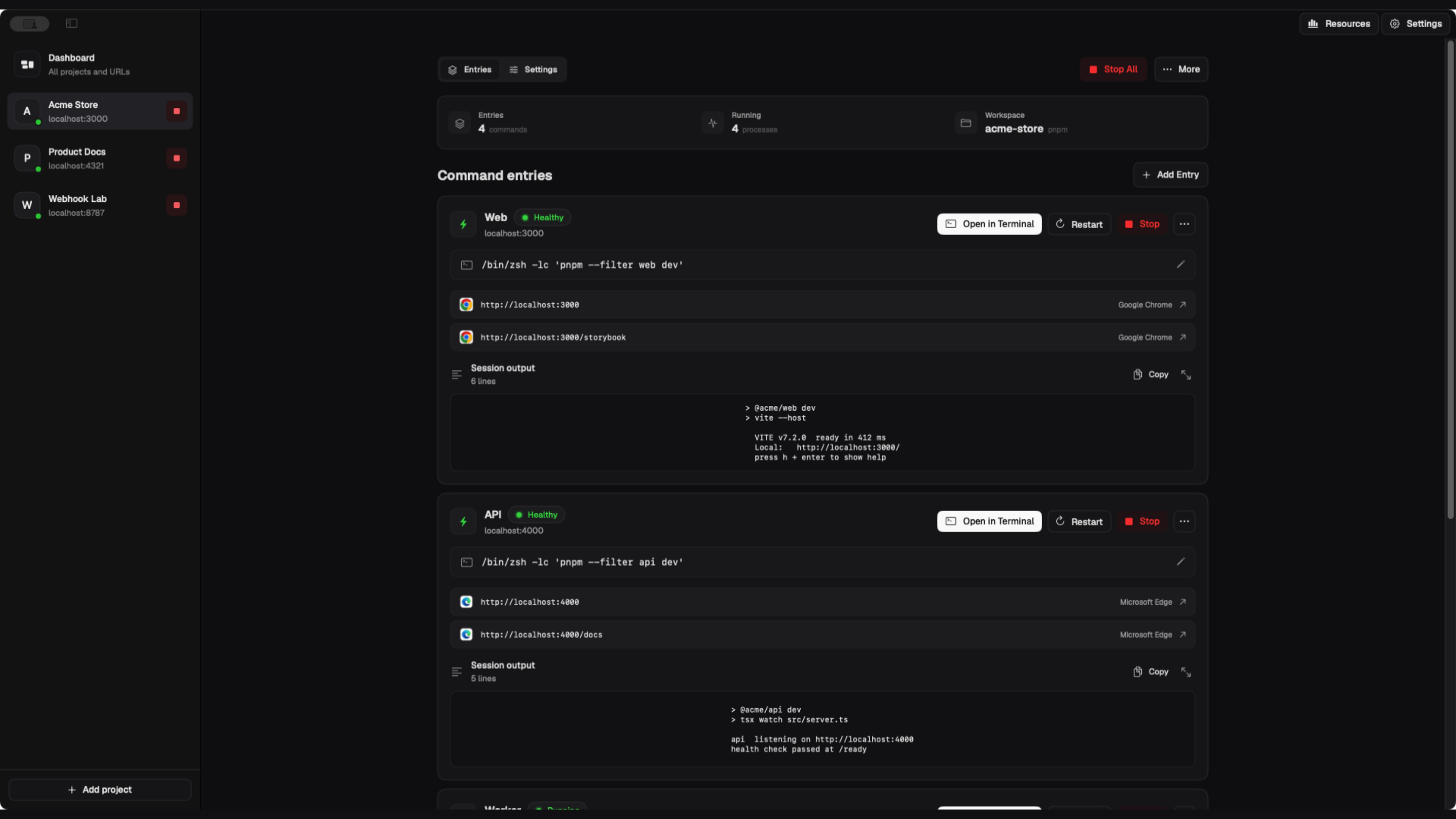
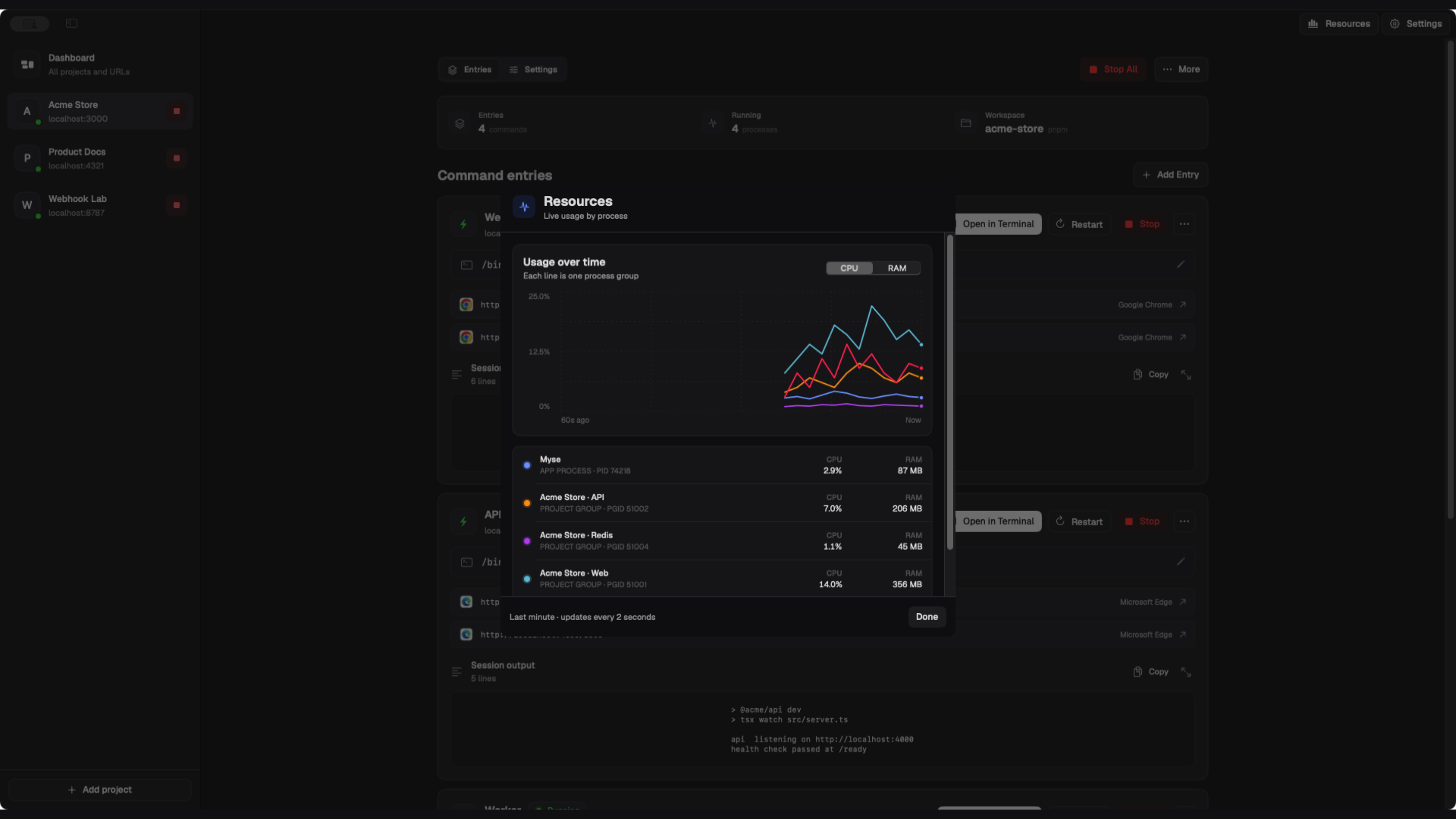
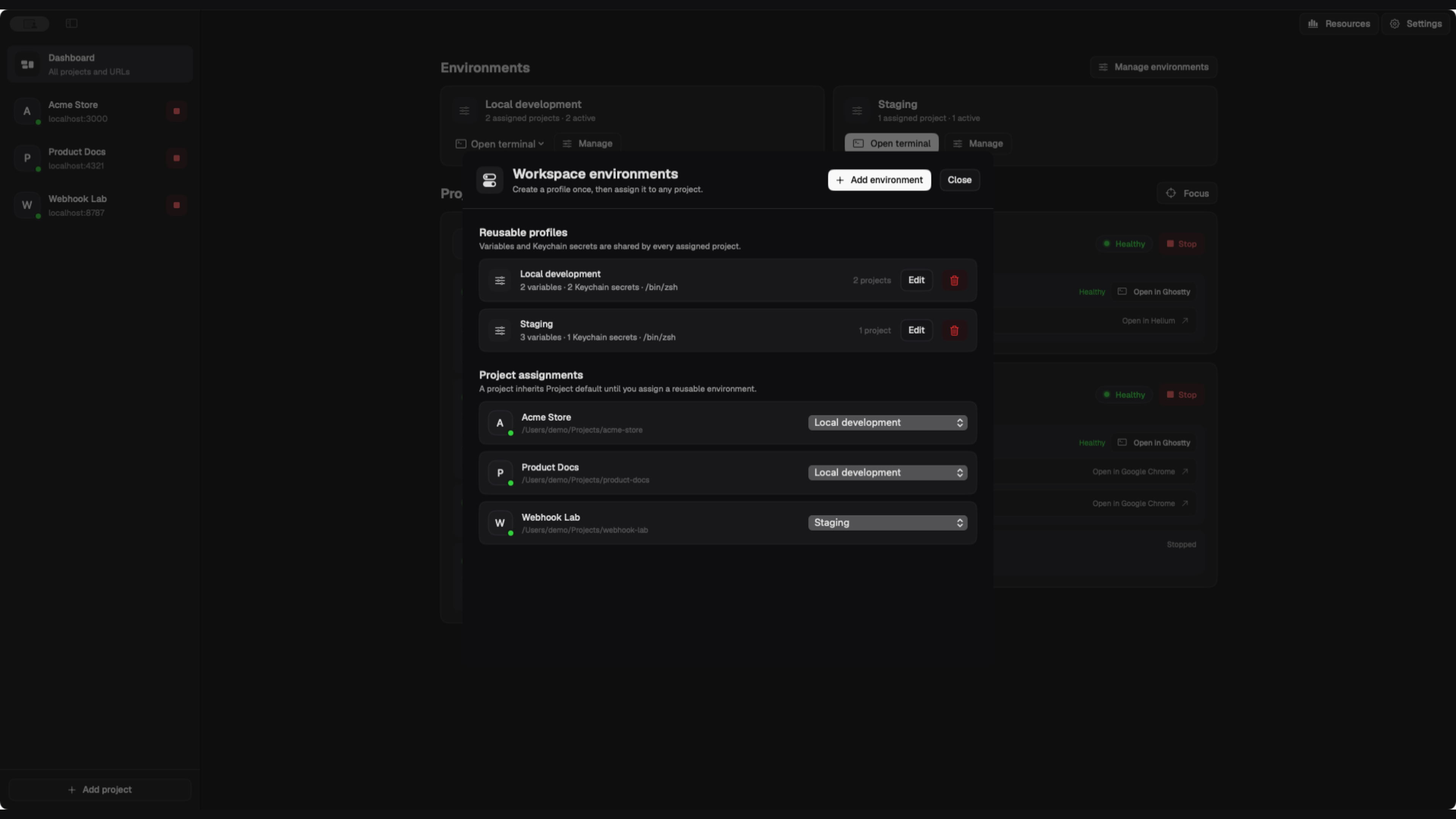
Add a folder once. Myse detects useful commands and keeps each running process easy to reach.
Myse reads common package scripts, task files, workspaces, and framework entry points.
Start, stop, or restart the web app, API, worker, docs, and containers together or separately.
Choose any installed macOS browser per entry. Myse remembers the browser and shows its app icon beside each URL.
Read bounded, redacted output in Myse, then reconnect Terminal, iTerm2, or Ghostty to the same process.
Assign a shell and variables to several projects. Store secret values in macOS Keychain.
Run custom images in the foreground with signal forwarding and automatic container cleanup.
Compare CPU and memory by process group, inspect occupied ports, and take over a known port with confirmation.
Use the menu-bar popover or install the Option-M shortcut to bring the existing app forward.
The app bundle includes myse. It controls the running Mac app through a private local socket and returns readable text or schema-versioned JSON.
$ myse add . --entry Web --script dev --start
$ myse status --project auto --json
$ myse logs --project auto --entry Web --follow
$ myse wait --project auto --entry Web --status healthy
$ myse restart --project auto --entry WebChoose a detected preset or enter any zsh command. Quoted paths, pipes, variables, and chained commands work.

macOS 14 or later. Apple silicon. No account.